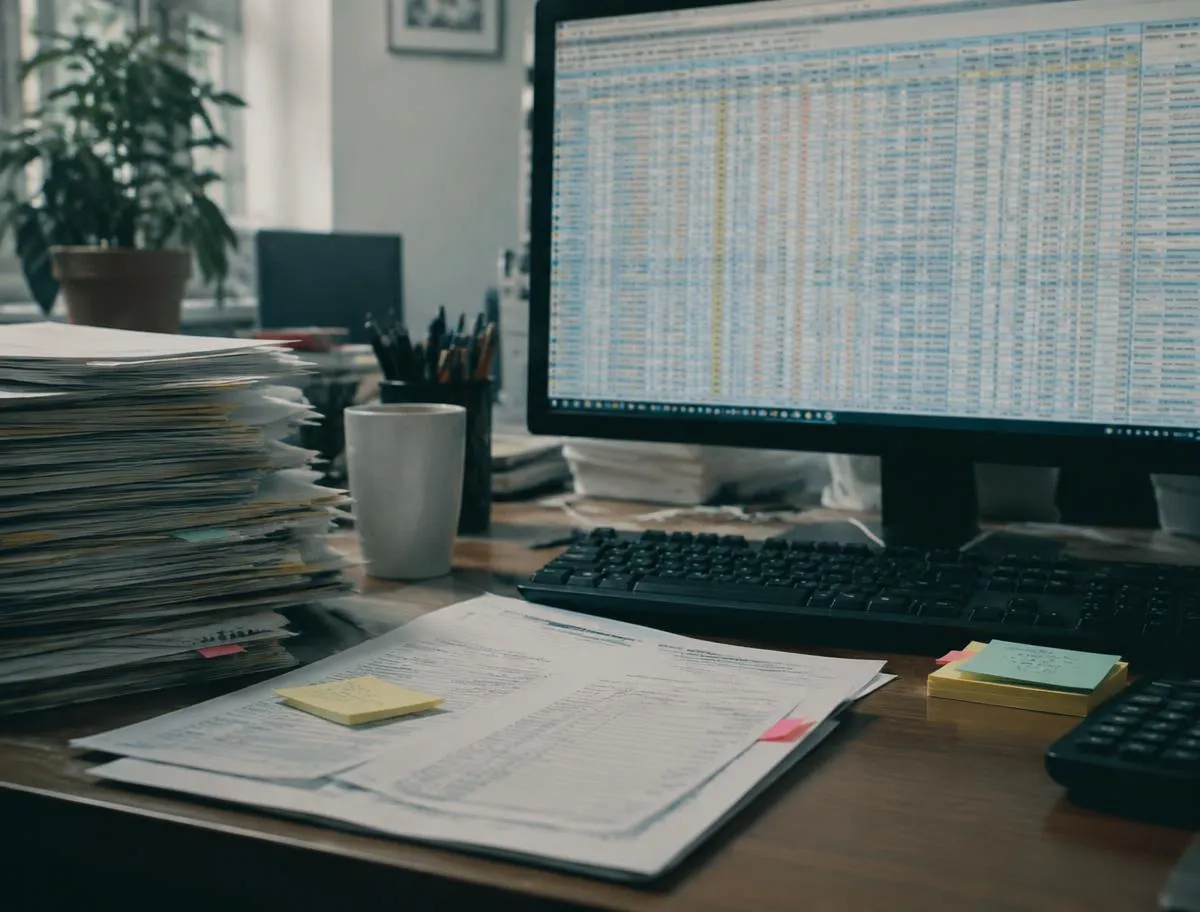
Staff copy the same information between two or three systems every day
The real source of truth is a spreadsheet that only one person understands
Customers phone or email for things they should be able to check online
Two teams are working from different versions of the same data
You pay for several subscriptions that almost do what you need
Your crew tracks jobs, quotes or client intake on paper and spreadsheets
A secure area where customers can view invoices, track a project, submit requests, upload documents, and manage their account.
Tools that replace spreadsheets and email chains, such as job scheduling, inventory tracking, approvals, and reporting.
One screen that pulls numbers from several systems, so people stop opening five tabs to answer a simple question.
Technician job tracking, quote and estimate apps, and client intake portals for law firms.
Software that routes work from one step to the next: request, assignment, review, approval, record.
Browser-based software that works on any device with no installation.
iOS and Android apps, including cross-platform builds with Flutter, and App Store submission support.
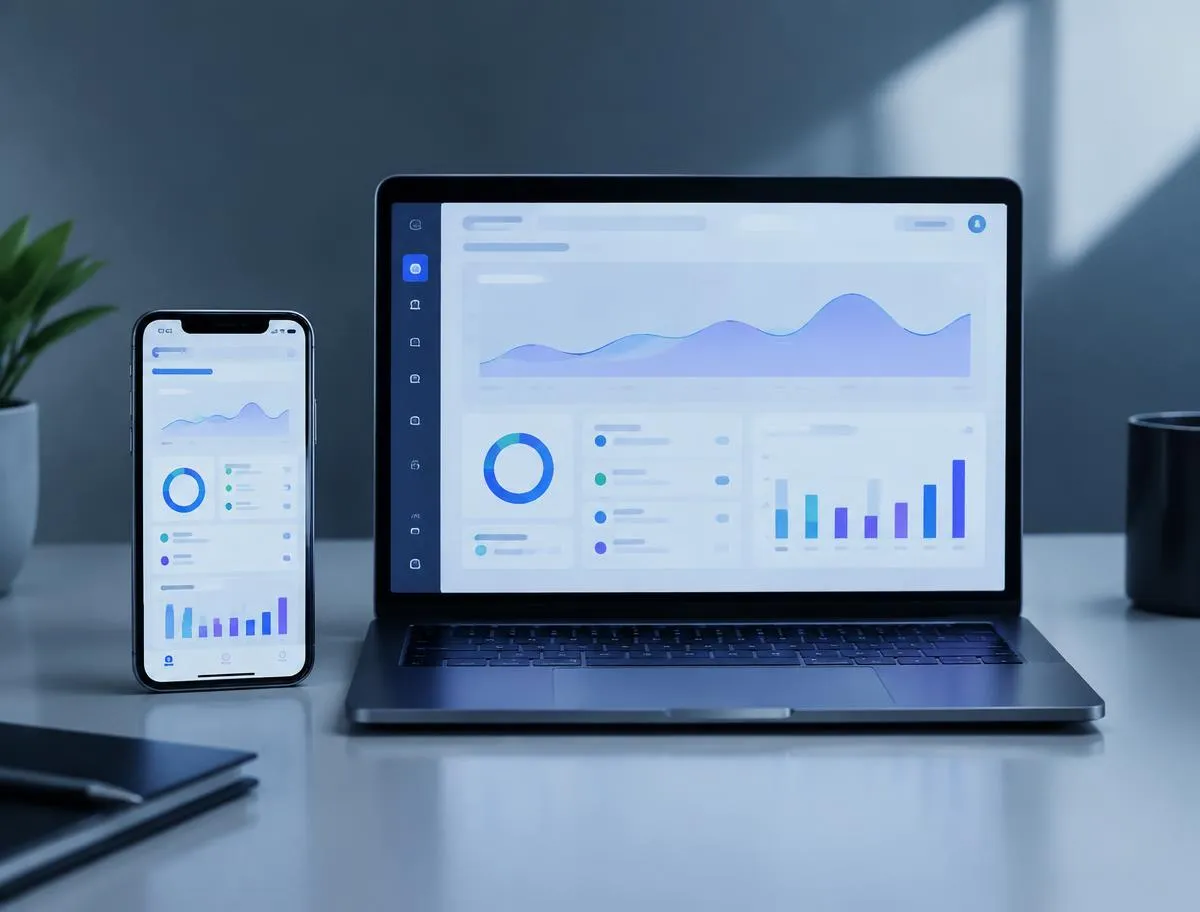
A web app is usually the right start if users will work from different devices and you don’t want to ask them to download anything. A mobile app makes more sense when the product depends on push notifications, the camera, GPS, offline use, or daily phone use.
Some products need both. We’ll help you decide based on who the users are, what they need to do, and how often they’ll do it. Often the cheaper path is a web app first and a mobile app later.
The most common mistake in custom software is trying to build every feature at once. The better question is what the first version has to do for the product to be useful.
For a customer portal, that might be account creation, login, request submission, and status tracking. For an internal tool, it might be user access, records, task assignment, and basic reporting. For a technician job-tracking app, it might be the job list, photos and status updates. We build that first, release it to real users, and add features based on how people actually use it.

We map who will use the software, what they need to do, what data is involved, which steps need approval, and which systems it has to talk to.
You click through a mock-up before anyone writes production code, which is the cheapest time to change your mind.
We build the interface, the application logic, the database, and the integrations.
We test normal use, odd inputs, different user roles, and connected systems.
We deploy, monitor, and fix what real use turns up.
We can keep updating the app as the business changes.
Custom software seldom works alone. It may need to exchange data with your payment processor, CRM, accounting software, scheduling tool, email platform or inventory system. We’ll connect to the tools your business already uses and set up whatever integrations you need.
APIs let those systems share data automatically, so nobody retypes it. We only recommend an integration when it saves real work. More connections mean more things that can break.

Customers, employees, managers, and administrators shouldn’t see the same screens. Authentication decides who gets in. Authorization decides what each person can view or change. The database design decides how all of that information is stored and related.
Getting this right early matters, because it’s painful to retrofit once an app has users.

Custom application work is scoped after discovery, because two apps with similar names can differ by months of work. Cost mostly comes down to the number of user roles, the number of screens, how many integrations are needed, whether you need iOS and Android, and how complex the business rules are.
Custom apps aren’t included in our monthly packages. They’re a separately quoted add-on, scoped after a discovery call. See packages for what Booked, Front Desk and Autopilot include, or start a free trial.
A Flower Mound company may need an internal system for managing jobs or staff. A service business in Lewisville may want customers to schedule or track work online.
The location doesn’t change the software. The workflow does. We serve Flower Mound, Lewisville, Grapevine, The Colony, Southlake, and the wider DFW market, and we also work with companies elsewhere.
What we do
Built for DFW home-service pros and small law firms. Pick the pieces you need, or let us run them together inside your monthly package.
Many of these are included in our monthly packages. Add-ons such as ad management are quoted separately. See packages
It's the process of designing and building software for a specific business need, such as a customer portal, internal tool, dashboard, workflow system, or client intake portal.
Yes. We build web applications as well as native and cross-platform mobile apps for iOS and Android.
It depends on scope. Custom apps are a separately quoted add-on, and we quote them after a discovery call.
It depends on scope. A smaller MVP can come sooner, and a complex platform may take longer.
Yes. Internal apps are some of the most common projects we take on, for scheduling, approvals, records, reporting, and similar tasks.
Often, yes. If the other system has an API or integration option, we can usually connect it. We check this during discovery.
Yes. We offer App Store submission support for mobile apps.
Yes. We can provide ongoing maintenance and updates.